.png?width=100&height=74&name=Logo_Nieuw_Zwart_Transp%20(4).png)
Check the Wi-Fi
The Control Unit may have lost its internet connection. If your Wi-Fi name and/or password has not changed, try the following:
- Open the DeWarmte app
- Check for notifications regarding the system being offline
- If so; follow the indicated steps
- If no notifications show, continue with the next step 'Check the heat pump'
Set up a wired internet connection
If the Control Unit cannot establish a stable Wi-Fi connection, using a wired internet connection may help. You can often also connect the cable to a Wi-Fi extender.
- Open the Control Unit.
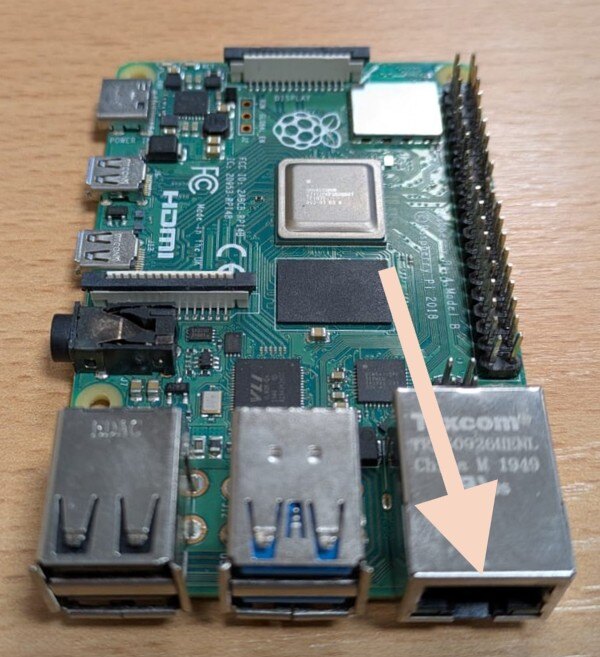
- Connect the LAN cable to the Ethernet port on the Raspberry Pi:
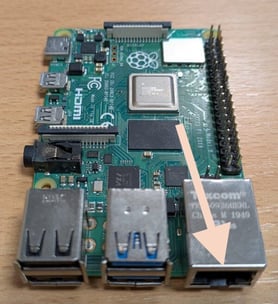
- A green and orange LED will light up when an internet connection has been successfully established.
Check the heat pump
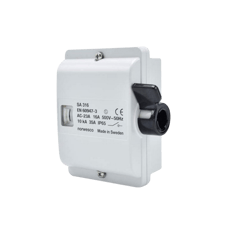
Is the heat pump receiving power? For outdoor units, check that the black handle on the maintenance switch is in the up position and that the circuit breaker in the fuse box is also switched on. The image below shows the maintenance switch. The maintenance switch is installed outside, near the outdoor unit.
If the heat pump is receiving power, it may help to switch off the maintenance switch for 1 minute (move the black handle down). Then switch the maintenance switch back on and check the status in the App. If this does not resolve the issue, continue with the Control Unit check.
Control Unit check
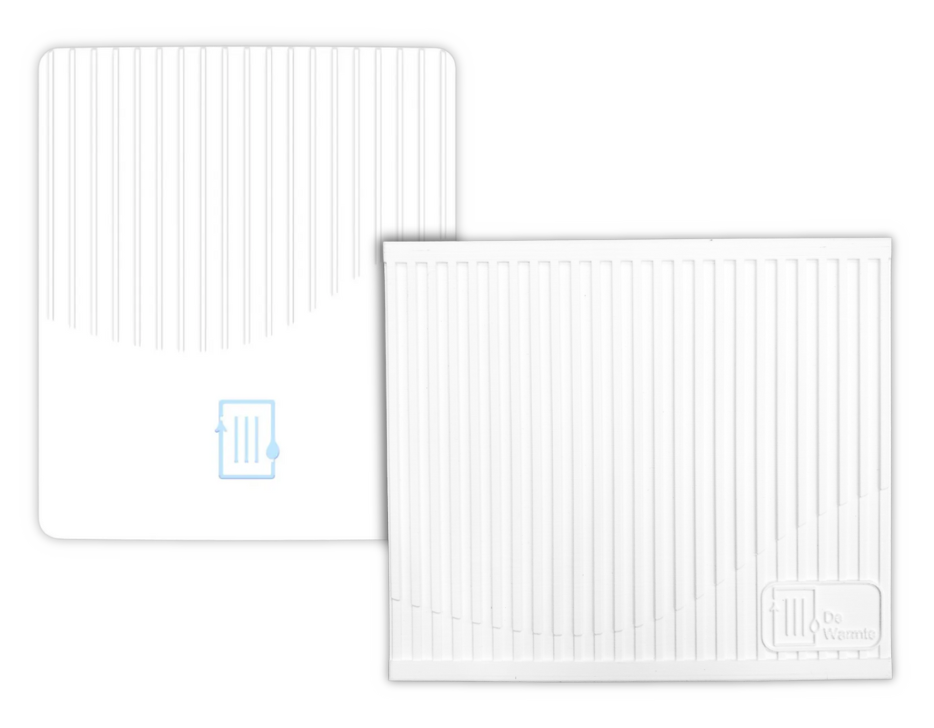
The Control Unit is the part of the system that collects all data from the heat pumps and communicates with the App. If the problem is not with the heat pump, it is likely related to the Control Unit. The Control Unit is installed near the central heating boiler and looks like this:
See the following page to check whether the Control Unit is communicating normally: The Control Unit has a fault
Restarting
As with the heat pumps, temporarily disconnecting the Control Unit from the power supply may help:
-
Unplug the power plug(s) from the power outlet for at least 30 seconds.
-
Plug the power supply back in.
-
Check the App again.
Control Unit communication
Data from the heat pumps is translated via a USB stick into code that the thermostat and central heating boiler can understand. Sometimes this USB stick may no longer be seated correctly or may have a poor connection. In this case, the following may help:
- Open the Control Unit.
- The USB stick is inserted into one of the USB ports on the Raspberry Pi:
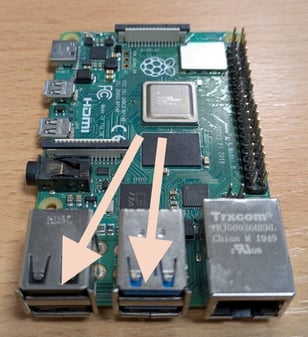
- Move the USB stick to one of the other ports on the Raspberry Pi.